Runs, benchmarks, scrapes, builds — Codex does the work, then writes the output to a sandbox file nobody reads again. One endpoint turns every run into a stored, queryable record.
Codex CLI is excellent at one-shot work: benchmark this, scrape that, build a small tool, run an experiment. What it produces lands in a file inside the working directory — results.txt, output.json, some spreadsheet — and the trail ends there. Compare this week's run against last week's and you're grepping through directories. Ask "what did we try already?" and the honest answer is: whatever survived.
A shared storage endpoint closes the loop. Every run POSTs its outcome to the same FormLM URL — fields auto-create on first submission, so there's no schema to maintain — and the query API turns run history into a table Codex can read back and reason over on the next task. It works from scripts Codex writes, commands it runs, and pages it builds, because the endpoint is plain HTTP with no SDK.
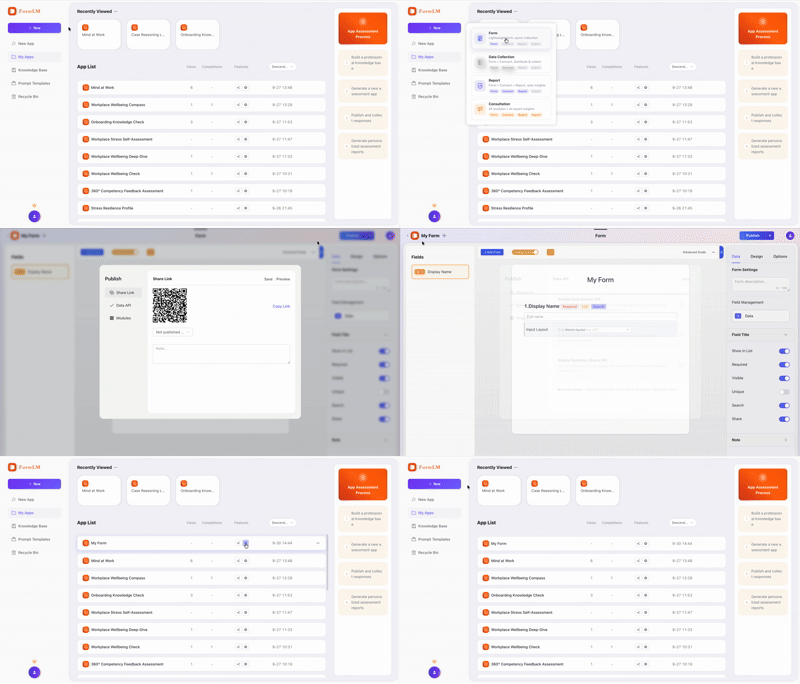
Put the endpoint in the task. Append ?help and paste the URL into your Codex prompt. The endpoint serves a Markdown document listing every field, method, and example — Codex reads it and writes correct POST calls without you specifying a format:
"Log each benchmark run to this API:
 https://formlm.me/api/v3/share/YOUR_TOKEN?help
 Read the docs, then submit results after every run."

# Codex fetches the schema, matches field names,
# and POSTs each run — no glue code to review.
Register formlm-cli as an MCP server and Codex gains eight tools: create forms, define fields, publish, snapshot, query. Codex's config is TOML, not JSON — the one platform where the block looks different. Edit ~/.codex/config.toml, install the CLI first with npm install -g @formlm/cli, then restart Codex:
[mcp_servers.formlm]
command = "formlm-cli"
args = ["mcp"

# optional but recommended on macOS/Linux:
# Codex may launch the server without your full PATH
[mcp_servers.formlm.env]
PATH = "/opt/homebrew/bin:/usr/local/bin:/usr/bin:/bin"
Authentication happens once: copy your Access Token from formlm.me → Account Settings, run formlm-cli auth login --token <your-token> in a terminal, and the token persists — or set FORMLM_TOKEN as an environment variable for CI machines and disposable environments. (Verification-code and Google accounts have no password — the Access Token covers them, or run formlm-cli auth login and pick the email verification-code option.) The full CLI walkthrough lives in the developer zone.
$ curl -X POST https://formlm.me/api/v3/share/YOUR_TOKEN \
  -H "Content-Type: application/json" \
  -d '{
    "data": {
      "run_id": "bench-2026-09-30-a",
      "latency_p95_ms": 412,
      "throughput": 9830,
      "notes": "index added on user_id"
    },
    "meta": {"source": "codex-run"}
  }'

# Read — the next task starts with the full history
$ curl https://formlm.me/api/v3/share/YOUR_TOKEN/query?page=1&size=50
Because the endpoint is plain HTTP, there are no SDK version pins to fight and no CORS preflight from a CLI — scripts POST directly. Records are also visible in FormLM's UI and exportable as CSV, so the run history belongs to you, not to Codex's working directory.
Edit ~/.codex/config.toml and add a [mcp_servers.formlm] section with command = "formlm-cli" and args = ["mcp"]. Codex reads TOML, not JSON, so the block looks different from Claude or Cursor configs. Restart Codex after saving.
Yes. Codex CLI has network access for HTTP calls, and CORS is a browser-only rule — scripts and CLI tools POST to the endpoint directly with no preflight at all. Only pages running in a browser need the CORS headers, and FormLM sends those too.
No. Copy your Access Token from formlm.me → Account Settings and run formlm-cli auth login --token <your-token> once — the token persists on your machine. Verification-code and Google accounts have no password — use the token, or run formlm-cli auth login and choose the email verification-code option (fully in the terminal). Alternatively, set FORMLM_TOKEN as an environment variable — useful for CI or disposable environments.
Yes. The query endpoint pages through every stored record as JSON, and the summary endpoint returns aggregate statistics. Ask Codex to fetch and analyze what earlier runs recorded — run logs become a results table it can reason over.
Free endpoint, first submission defines the fields, full history one query away.
Create your free endpoint →