Windsurf's agent plans, codes, and runs — and every artifact it produces lives in the workspace. Hand it a FormLM endpoint and the output becomes data you can query, not files you scroll past.
The Windsurf pattern is a fast loop: describe the tool, Cascade builds it, runs it, shows you the output. A price scraper prints its findings to the terminal. A data-cleaning flow writes a CSV into the workspace. A internal dashboard renders once against sample data. Each result is real — and each result is stranded: the next session can't see it, your teammate's Windsurf can't see it, and nothing accumulates across runs.
A shared storage endpoint is the fix that fits the flow. Every run POSTs its outcome to one FormLM URL; the query API reads it all back whenever anyone asks. No database to provision, no schema to design — the first submission defines the fields. And because the endpoint documents itself at ?help, Cascade can discover the format on its own, mid-task.
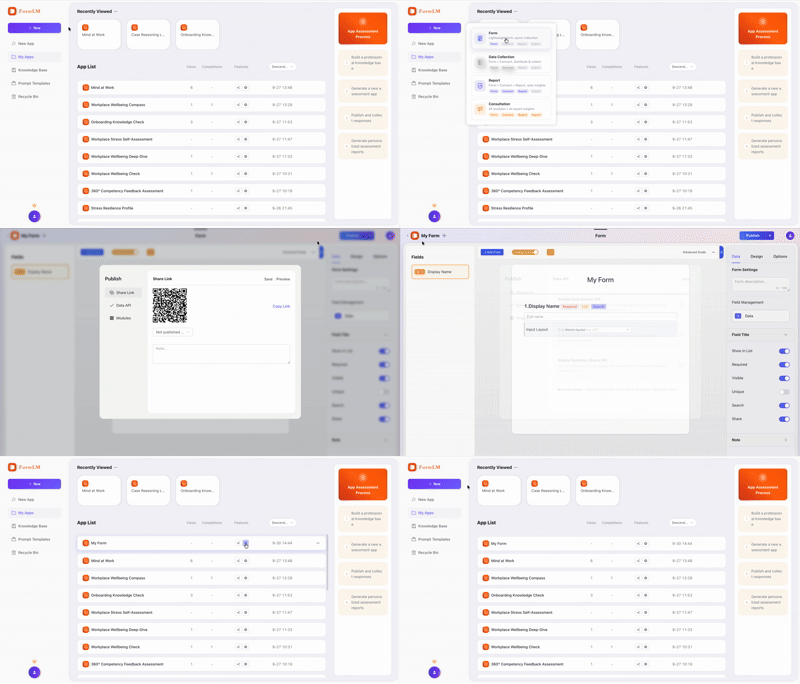
Drop the endpoint into the task. Append ?help and paste it into the Cascade chat. It returns a Markdown document with every field, method, and example — Cascade reads it and writes the POST calls correctly, first try:
"Scrape the pricing pages I listed, then log each
 result to this API:
 https://formlm.me/api/v3/share/YOUR_TOKEN?help
 Read the docs first, then submit one record per page."

# Cascade reads the schema, matches the fields,
# and stores each scrape — structured, queryable.
Register formlm-cli as an MCP server and Cascade can do the whole job conversationally: create the form, define fields, publish the endpoint, query results. Install the CLI first (npm install -g @formlm/cli), then edit Windsurf's config — note the path lives under .codeium, and fully restart the editor afterwards:
{
  "mcpServers": {
    "formlm": {
      "command": "formlm-cli",
      "args": ["mcp"],
      "env": {
        "PATH": "/opt/homebrew/bin:/usr/local/bin:/usr/bin:/bin"
      }
    }
  }
}
On macOS the env.PATH entry saves you the classic command not found — Windsurf launches MCP servers without your terminal's PATH, so Homebrew binaries need to be spelled out. Log in once with formlm-cli auth login --token <your-token> (Access Token from formlm.me → Account Settings) and the token persists. The full CLI reference lives in the developer zone.
$ curl -X POST https://formlm.me/api/v3/share/YOUR_TOKEN \
  -H "Content-Type: application/json" \
  -d '{
    "data": {
      "vendor": "acme-cloud",
      "plan": "pro-monthly",
      "price_usd": 49,
      "scraped_at": "2026-09-30"
    },
    "meta": {"source": "windsurf-cascade"}
  }'

# Read — the next session starts with full history
$ curl https://formlm.me/api/v3/share/YOUR_TOKEN/query?page=1&size=50
Pages Cascade builds can use the same endpoint from the browser — CORS is enabled in both directions — and every record is visible in FormLM's UI and exportable as CSV. The history belongs to your workflow, not to Windsurf's workspace.
At ~/.codeium/windsurf/mcp_config.json — note the .codeium directory, not .windsurf. The file uses the standard JSON mcpServers format, same shape as Claude Desktop and Cursor. Fully restart Windsurf after saving; MCP servers load at startup.
Yes. Paste your endpoint URL with ?help appended into the Cascade chat. The endpoint serves a Markdown document listing fields, methods, and examples — Cascade reads it and writes correct POST calls into the code it builds, no MCP setup required.
Yes. The endpoint sends CORS headers for reads and writes, so pages running on localhost, Windsurf's preview server, or any static host can POST directly. A page running from a local file works too — file:// pages are explicitly supported.
Copy your Access Token from formlm.me → Account Settings and run formlm-cli auth login --token <your-token> once in your terminal — the stored token is picked up by the MCP server afterwards (verification-code and Google accounts have no password — the token, or the in-terminal email verification-code login, covers them). Or set FORMLM_TOKEN as an environment variable for headless machines.
Free endpoint, self-documenting, queryable by the next session.
Create your free endpoint →